
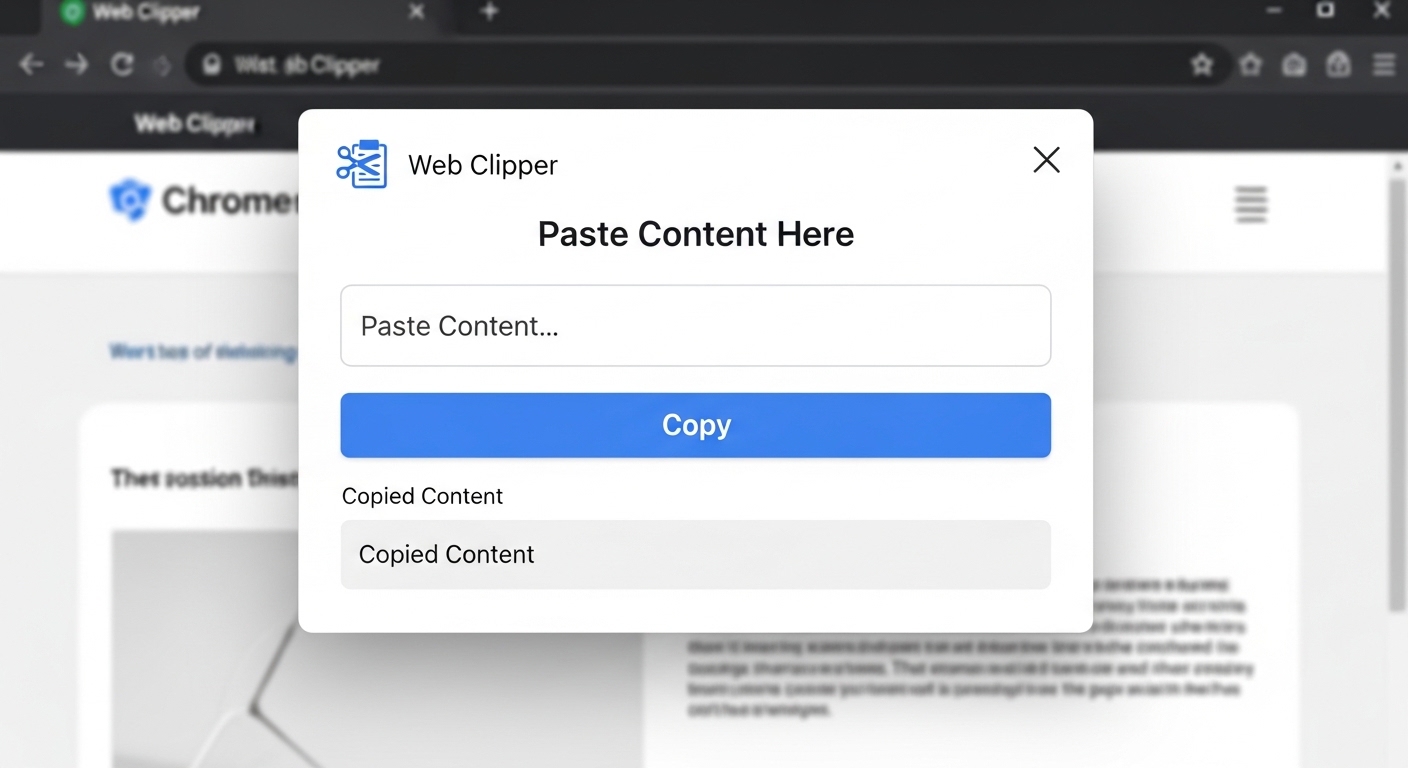
Simple copy paste tool for web use is a lightweight browser based solution that allows users to quickly transfer text between devices without installing any software. It works through cloud storage and instant syncing, making it easy to copy, store, and access information anywhere. This tool is widely used for fast communication, productivity, and seamless digital workflows across multiple devices in everyday life.
Understanding Simple Web Copy Paste Tools
Basic Concept of Web Clipboard
Simple web copy paste tools are online platforms that store copied text temporarily in the cloud. Users can paste content into a browser interface and retrieve it from another device instantly. This removes the limitations of traditional copy paste methods and enables smooth cross device sharing.
Purpose of Easy Copy Paste Tools
The main purpose is to simplify data transfer between devices without using apps or manual methods. Users can quickly move text, links, or notes across platforms, improving efficiency and reducing time spent on repetitive tasks during daily digital activities.
Browser Based Operation System
These tools work entirely in web browsers, meaning no installation or setup is required. Users only need internet access to start copying and sharing text instantly. This makes the system accessible across all devices including phones, tablets, and computers.
Temporary Cloud Storage Model
Most copy paste tools store data temporarily on cloud servers. Once text is uploaded, it becomes accessible across devices for a limited time before automatic deletion. This ensures privacy and reduces unnecessary storage usage on servers.
Cross Device Functionality
Users can access shared text on multiple devices such as Android, iOS, Windows, and macOS. This flexibility allows smooth transitions between devices and ensures continuous workflow without interruptions or compatibility issues.
How Simple Web Copy Paste Tools Work
Text Input Process
Users start by pasting text into a web interface. The system immediately captures the content and prepares it for synchronization. This simple input process allows fast sharing without requiring technical knowledge or additional tools.
Link Generation System
After input, the system generates a unique shareable link or code. This link acts as a bridge between devices, allowing users to open and retrieve the same content from any browser securely.
Real Time Synchronization
Once the link is opened on another device, data is synced instantly. Any updates made to the text are reflected across all connected devices in real time, ensuring consistency and smooth communication.
Secure Data Transfer
Most platforms use encrypted connections like HTTPS to protect user data during transfer. This ensures that copied content remains secure and cannot be accessed by unauthorized users while moving between devices online.
Session Based Access Control
Access is restricted through session based systems where only users with the correct link can view or edit the content. This ensures privacy and prevents unauthorized access to shared clipboard data.
Key Features of Web Copy Paste Tools
Instant Text Sharing
Users can transfer text between devices within seconds. This feature improves speed and eliminates delays, making it ideal for users who need fast and efficient data movement across platforms.
No Installation Required
Everything runs directly in the browser without needing any app or software. This saves device storage and allows quick access from any internet enabled device without setup requirements.
Multi Device Support
These tools work on all major devices including smartphones, tablets, laptops, and desktops. Users can switch devices easily while maintaining access to shared clipboard content without interruption.
Auto Expiry System
Shared data is automatically deleted after a set time period. This improves privacy and ensures that sensitive information is not stored permanently on cloud servers.
Simple User Interface
The interface is clean and easy to use, allowing users to paste text, generate links, and share content without confusion. It is designed for both beginners and advanced users.
Benefits of Simple Copy Paste Tools
Time Saving Efficiency
These tools save time by eliminating manual transfer methods like emailing or messaging oneself. Users can instantly access content across devices, making digital tasks faster and more efficient.
Improved Productivity
Quick access to shared text helps users complete tasks without interruption. It reduces repetitive actions and allows better focus on important work in both personal and professional environments.
Easy Accessibility
Users can access tools from any browser without restrictions. This makes it convenient for people who frequently switch between devices during work, study, or communication tasks.
Free Usage Option
Most simple copy paste tools are free to use. Users can enjoy fast and reliable text sharing without paying subscription fees or installing paid applications.
Flexible Workflow Support
These tools support flexible workflows by allowing users to move between devices seamlessly. This ensures continuous productivity without losing access to important information.
Common Use Cases
Student Note Sharing
Students use web copy paste tools to share notes, assignments, and study materials between devices. This improves learning efficiency and supports quick revision anytime.
Developer Code Sharing
Developers use these tools to transfer code snippets between devices for testing and debugging. This helps streamline development workflows and reduces dependency on external storage.
Office Communication Tasks
Employees use copy paste tools to share reports, updates, and messages instantly. This improves communication speed and reduces reliance on traditional messaging platforms.
Personal Information Transfer
Users can transfer personal notes, reminders, or links easily between devices. This simplifies daily tasks and ensures quick access to important data whenever needed.
Remote Team Collaboration
Remote teams use these tools to exchange updates and instructions efficiently. This ensures better coordination and improves teamwork across different locations and time zones.
Security and Privacy Features
Data Encryption Protection
Encryption ensures that all transferred data is securely protected during transmission. This prevents unauthorized access and keeps user information safe throughout the sharing process.
Temporary Data Storage
Shared content is stored only temporarily and automatically deleted after a short time. This reduces privacy risks and improves overall security for users.
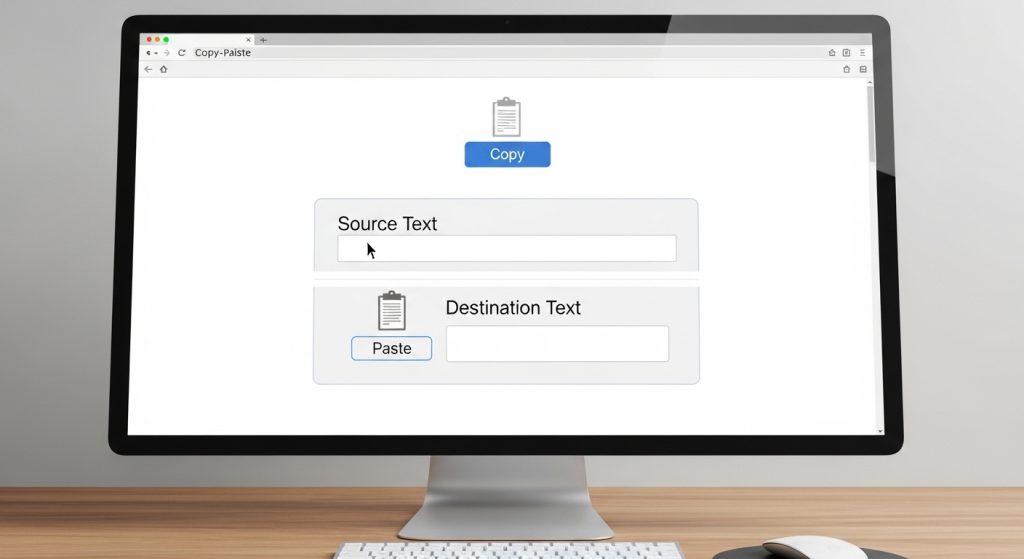
Secure Access Links
Each session uses unique links that only authorized users can access. This ensures controlled sharing and prevents unauthorized viewing of clipboard data.
No Account Requirement
Users can access tools without creating accounts or logging in. This improves privacy and reduces data collection risks while allowing anonymous usage.
Privacy Focused Design
These platforms are designed to minimize tracking and avoid permanent storage of user data, ensuring safe and confidential text sharing online.
Future of Web Copy Paste Tools
AI Based Improvements
Future tools may include AI features for smart text organization, suggestions, and automatic formatting, improving user productivity and workflow efficiency.
Faster Cloud Technology
Advanced cloud systems will enable near instant synchronization between devices, making text sharing faster and more reliable globally.
Strong Security Enhancements
Future updates will include stronger encryption and authentication systems to ensure maximum protection of shared data across all devices.
Seamless Integration Systems
Copy paste tools will integrate directly into operating systems, removing the need for manual links or browser access for sharing.
Smarter User Experience
Interfaces will become more adaptive and intelligent, offering personalized features based on user behavior for faster and easier interaction.
FAQs
What is a simple web copy paste tool
It is a browser based tool that allows instant text sharing between devices without installing any app.
Do I need to install software
No, it works directly in web browsers without installation.
Is my data safe in these tools
Yes, most tools use encryption and temporary storage to protect user data.
Can I use it on mobile and desktop
Yes, it works on all devices including phones, tablets, and computers.
Does shared data stay forever
No, most tools automatically delete data after a short time for privacy reasons.
Conclusion
Simple copy paste tools for web use provide a fast, secure, and efficient way to transfer text between devices without installation. They improve productivity, support cross device workflows, and ensure easy accessibility. With cloud technology and privacy focused design, these tools have become essential for modern digital communication and everyday online tasks.